
Geometry Dash Mod Menu: Features, Risks and Checks
Compare project-specific claims before changing your game
Third-party Geometry Dash mod-menu builds are unofficial packages that may advertise noclip, speed controls, auto-complete, extra currency, or cosmetic unlocks. Features, compatibility, and safety vary by the exact file and publisher. This guide explains the claims, risks, and safer official options.
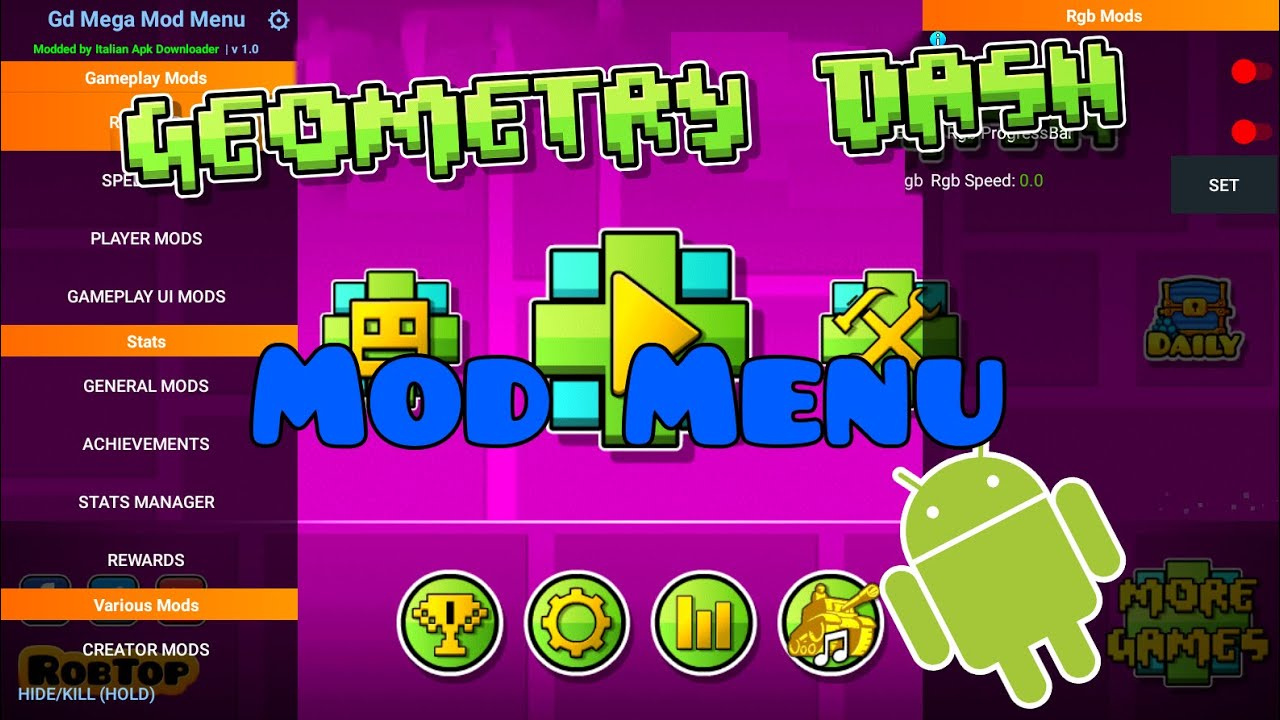
What is Geometry Dash Mod APK?
A Geometry Dash mod APK is an unofficial build that changes the original game. Third-party packages commonly advertise the following functions, but availability and safety vary by the exact file and are not independently verified on this page:
- Noclip — advertised collision changes; behavior varies
- Auto-complete — completion automation claims need verification
- Speed modifier — slow down or speed up gameplay
- Currency changes — availability and online behavior vary
- Level unlocks — check which content a specific build changes
- Cosmetic unlocks — icons and colors depend on the project
- Practice tools — compare them with official Practice Mode
- Advertising claims — an APK label does not prove ad removal
Common Geometry Dash Mod Menu Claims
Third-party mod menus may advertise the controls below. Their presence, limits, and compatibility depend on the exact build and publisher:
Noclip Mode
Some projects advertise changes to collision handling. Check the exact implementation and supported game version. A completed run with altered collision rules is not evidence of an ordinary verified completion.
Speed Controls
Some menus change gameplay speed. Available ranges and their effect on input, audio and completion depend on the build; this guide has not tested a universal speed multiplier.
Completion Automation
A project may claim to automate completion or rewards. Do not assume the result is valid for uploads, leaderboards or accounts. Check service rules and keep legitimate progress separate from experiments.
Currency and Unlock Changes
Currency or unlock claims depend on the specific implementation. Changes may be local and may not survive updates or sync. No claim here establishes working online rewards or account compatibility.
What to Verify in a Specific Mod Project
No exact mod package is certified by this page. Before comparing features, require a named project, publisher, release source and supported setup. Missing evidence should remain an unanswered question, rather than an assumed feature.
- Project and maintainer identity
- Exact mod version and game version supported
- Official project release page and changelog
- Package signature, hash and available scan evidence
- Account, completion and leaderboard rules
- Documented backup, removal and update method
Before Installing a Geometry Dash Mod Menu
If you choose to assess an unofficial Android package, identify the publisher and exact version first. Prefer the official store when possible and never install a file whose source or requested permissions you cannot verify.
Android Build Checklist
Identify the file and protect existing progress
Identify the project release
Use a publisher you can identify. Record the exact version, game compatibility and source. Compare any published checksum with the file you receive; scan results are additional evidence rather than a guarantee.
Confirm your backup
Complete and confirm the official game’s account Save before replacing an installation. Keep the working copy until the replacement and backup are checked. Third-party builds may change save behavior.
Review package compatibility
Check Android version, package name, architecture and signing information. A higher version number or familiar filename does not prove that an update can replace your current app.
Read installation requirements
Use the exact project’s documented method. Android installer permission is usually specific to a browser or file manager. Keep Play Protect enabled and investigate warnings or unexplained permissions.
Check controls and account rules
Menu location and activation vary by project. Read its documentation rather than assuming a universal button. Use the official client for online activity and review any server rules before relying on modified results.
Is Geometry Dash Mod APK Safe?
This site has not independently certified a third-party mod APK. Identify its publisher, version, signature, hash and permissions. A clean scanner result cannot prove authenticity. Use the package checklist or official Google Play listing before choosing.