
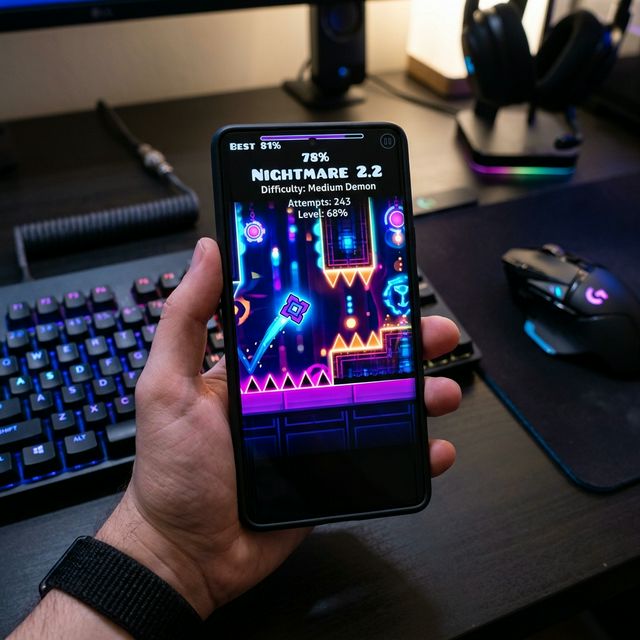
Geometry Dash uses different installation routes on Android, PC, and iPhone. This guide links to the official stores and explains backup and compatibility checks. It is based on published documentation; no hands-on device testing or third-party package certification is claimed.

How to Install on Android (APK)
Install RobTop’s official Android release through Google Play. The full game is paid; Lite is a separate free edition. If you choose a separate APK, identify its publisher and version first. Sideloading does not prove the package is official or unlocked.
Steps:
Review Any Installer Permission:
- Prefer the official store; it does not require unknown-app permission.
- For a separate package, check your device’s app-specific installer settings.
- Keep Play Protect enabled and investigate installation warnings.
- Disable temporary installer permission after installation.
Choose the Correct Source:
Read the Android installation guide. An APK filename or clean scan cannot guarantee authenticity or safety. Check the exact package, publisher, signature, and available evidence before installing.
Install the Game:
For the official release, use Install in Google Play. For a separately sourced package, read the device’s installer prompts and do not proceed past unresolved warnings.
Safety First:
Confirm a usable backup before replacing the app. This guide has not independently certified a downloadable APK, and it does not promise that any file is virus-free. See the safe download checklist.
How to Install on PC (Emulator)
Use Steam for the official native desktop release. An Android emulator is a separate route with different requirements. Our PC guide explains both options.
Steps:
- For native play, install the Steam client and check its current system requirements.
- Find Geometry Dash from RobTop Games in Steam and install the official game.
- If using Android software instead, follow your emulator’s current documentation and verify the package source.
Performance Tip:
Compare a simple stage with the problem level before changing settings. Emulator requirements differ from native game requirements; assigning extra resources does not guarantee better performance.
Emulator Options for PC: Step-by-Step
If you do not want the Steam version, an Android emulator lets you run the mobile game on your PC. These are the emulators other guides name most often. Steps are similar for all of them.
BlueStacks
- Download BlueStacks from its official website and run the installer.
- Open BlueStacks and sign in with your Google account.
- Open the Play Store inside BlueStacks.
- Search for Geometry Dash and install the official game.
- Launch it from the BlueStacks home screen.
LDPlayer
- Download LDPlayer from its official website.
- Install it and open the app.
- Sign in with your Google account when asked.
- Open the Play Store, search for Geometry Dash, and install it.
MEmu and MuMuPlayer
- Download the installer from the official site (memuplay.com or the MuMuPlayer site).
- Finish the setup and start the emulator.
- Open Google Play on the emulator desktop.
- Search for Geometry Dash and install the official release.
Tip: only download emulators from their official websites. Fake emulator installers are a common source of malware.
For more PC options, see Geometry Dash on PC.
PC System Requirements for Emulators
Emulators need more power than the game itself. As a rough guide, most emulator makers recommend:
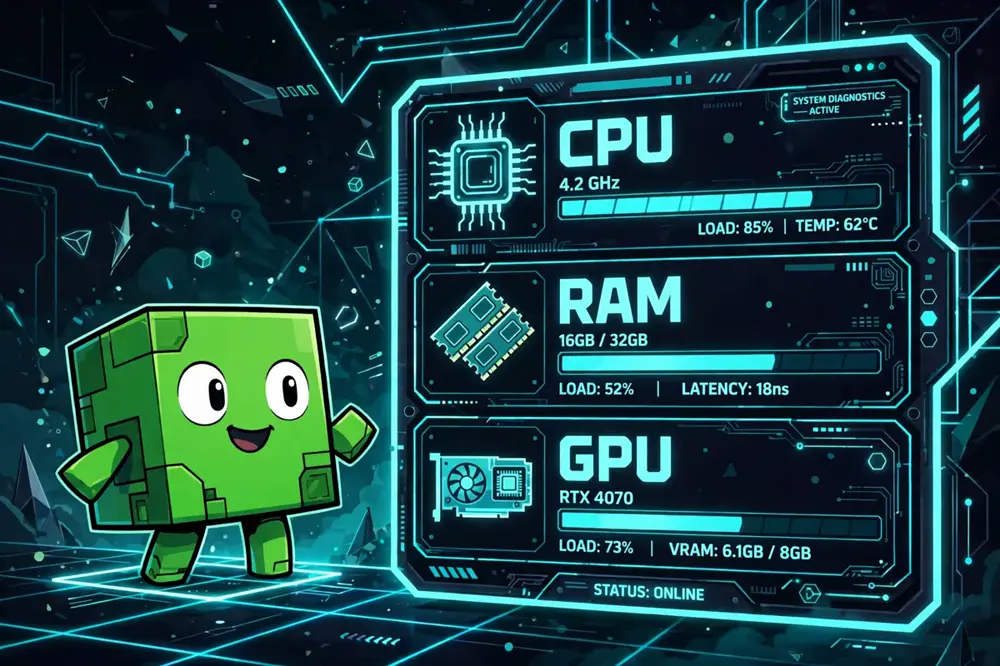
- OS: Windows 7 or newer, or macOS 11 or newer for Mac emulators
- Processor: 4-core Intel or AMD chip (Apple Silicon M1 or newer on Mac)
- Memory: 4 GB RAM minimum, 8 GB recommended
- Storage: 5 GB of free space
- Graphics: a card that supports DirectX or Vulkan
If your PC is slow, try closing other apps first. Giving the emulator more CPU cores in its settings can help, but it does not guarantee smooth play on old hardware.
Mac Users: Two Routes
Mac players have two main options. The simplest is an Android emulator with Mac support, such as MuMuPlayer, which lists Apple Silicon Macs as supported. Install it, sign in with Google, and get Geometry Dash from the Play Store inside the emulator.
The other option is screen mirroring. Tools like iMyFone MirrorTo let you mirror your iPhone screen to your Mac or PC and control it with your keyboard and mouse. You need a USB cable for the first setup and must trust the computer on your iPhone.
Before You Install: Backup and Compatibility Checklist
- Save your progress first. In the game, go to Account, then Save. Confirm it succeeds before you change anything.
- Check your Android version. The official listing shows the minimum required version. Old phones may not run new releases.
- Free up space. The game plus an emulator can need several gigabytes.
- Keep Play Protect on. If Android warns about an installer, read the warning. Do not proceed past warnings you do not understand.
- Keep the old install until the new one works. Only remove the old copy after you confirm the new install opens and your progress is there.
For Android, download Geometry Dash APK for Android.
If your device cannot run the latest release, see older versions.
How to Install on iPhone and iPad (App Store)
Use RobTop’s official App Store listing. Read our iOS guide for compatibility and saved-progress checks.
Important Note:
Android APK files cannot run on iPhone or iPad. An IPA is a different package format; the official App Store route does not require manually finding one.
Step 1: Check the Official Listing
- Open the Geometry Dash listing in the App Store.
- Confirm that the seller is RobTop Games AB.
- Check compatibility and the current local price on your device.
Step 2: Install the Official App
- Purchase or redownload through your App Store account.
- Complete the store’s normal installation prompts.
- Wait for installation to finish, then open the game.
Step 3: Check Your Saved Progress
- On your old device, use Account → Save and confirm it succeeds.
- Sign into the same game account on the new device.
- Use Load when appropriate and check the expected progress.
- Keep the old installation until you have verified the transfer.
Maintenance Tip:
Use the App Store for official updates and check the release notes. Consult RobTop’s account guidance if saving or loading fails.
Frequently Asked Questions
Can I install Geometry Dash APK on iPhone?
No. APK files are Android packages and cannot run on iPhone or iPad. Use the official App Store release for iOS.
Is there an official PC version?
Yes. The official desktop release is on Steam. Emulators are a separate, unofficial route for running the Android version on a computer.
Which emulator is best for Geometry Dash?
BlueStacks, LDPlayer, MEmu, and MuMuPlayer are the most commonly recommended. All of them can run the game. Pick the one whose system requirements match your PC.
Do I need to pay again on a second device?
The game is tied to the store account that bought it. If you use the same Google or Apple account, you can usually reinstall without paying again. Check the store’s own policy on your device.
Will my progress transfer between devices?
Use the in-game Account save and load feature. Save on the old device, sign in with the same account on the new device, then load. Keep the old install until the transfer is verified.