
Geometry Dash Old Versions: Compatibility and Backup Guide
Package size
Varies by build
Store rating
Check listing
Package source
Check publisher
An older Geometry Dash release may use different features or file formats, but it is not automatically faster or safer. This guide explains version differences, backup checks and the limitations of separately distributed old packages.
Keep a working installation and confirmed progress backup before considering a downgrade. Check exact package compatibility and update requirements. For Apple devices, use the separate iPhone and iPad guide; Android APKs cannot run there.
Do Older Versions Run Better on Budget Devices?
An older release may avoid some newer effects, but device performance also depends on the level, hardware and settings. No dated comparison here proves lower memory use, better battery life or stable frame rates. Diagnose the same level before changing packages.
Compare Exact Builds Rather Than Generic Numbers
| Feature | Current Official Release | Older or Modified Package |
|---|---|---|
| RAM Usage | Depends on device and level | Needs a dated comparison |
| Storage Required | Check current installed and download sizes | Check exact file and installed sizes |
| Minimum Android | Read official listing on your device | Read exact package requirement |
| GPU Load | Depends on hardware and level effects | Not verified by this guide |
| Battery Drain | Depends on settings, temperature and play | No measured reduction established here |
| Performance on Old Devices | Test the problem level and settings | No universal smoothness guarantee |
Old APK Packages Are Not Certified by This Guide
Testing status:
This page has no reproducible device, file hash, test date or frame-rate capture certifying an old download. The previous Samsung J2 performance claim was unsupported and must not be treated as a measured result.
Before changing versions: Complete and confirm a progress backup. Compare the current official release with the exact older package rather than assuming a download label establishes authenticity.
Historical Features Depend on the Release
Older versions predate some current game modes and editor tools. The exact features depend on the release and edition. Check historical developer notes and the package source; a mod’s feature list does not establish what the original release included.
Classic Campaign Stages Through Fingerdash
The campaign before update 2.2 ended at Fingerdash. Earlier releases contain fewer stages; a generic “2.11 or earlier” label does not mean every old build includes the same campaign. Update 2.2 added Dash and a separate Tower Platformer set.
Classic Levels: Difficulty, Mechanics and Campaign Order
| Level | Difficulty | Key Mechanic / Feature | Campaign Order |
|---|---|---|---|
| Stereo Madness | Easy | Basic cube jumps | 1 |
| Back on Track | Easy | Jump-pad sections | 2 |
| Polargeist | Normal | Jump rings | 3 |
| Dry Out | Normal | Gravity portals | 4 |
| Base After Base | Hard | Cube and gravity timing | 5 |
| Can’t Let Go | Hard | Gravity changes and precise jumps | 6 |
| Jumper | Harder | Inverted-gravity sections | 7 |
| Time Machine | Harder | Mirror portals | 8 |
| Cycles | Harder | Ball-form gravity changes | 9 |
| xStep | Insane | Ball and ship sections | 10 |
| Clutterfunk | Insane | Mixed modes | 11 |
| Theory of Everything | Insane | UFO sections | 12 |
| Electroman Adventures | Insane | Cube and ship transitions | 13 |
| Clubstep | Demon | First main demon level | 14 |
| Electrodynamix | Insane | Speed changes | 15 |
| Hexagon Force | Insane | Dual mode introduction | 16 |
| Blast Processing | Harder | Wave sections | 17 |
| Theory of Everything 2 | Demon | Intense demon challenge | 18 |
| Geometrical Dominator | Harder | Robot mode (2.0) | 19 |
| Deadlocked | Demon | Teleport portals + wave | 20 |
| Fingerdash | Insane | Spider mode (2.1) | 21 |
How Progression Works in Old Versions
- Most classic campaign stages are selectable without beating the previous stage; check separate unlock requirements for Demon stages.
- Stars, achievements and collectibles have different uses. Read each unlock requirement in the installed release.
- Secret coins provide collectible goals and certain unlock requirements; they do not guarantee extra routes in every stage.
Features to Check in the Exact Old Build
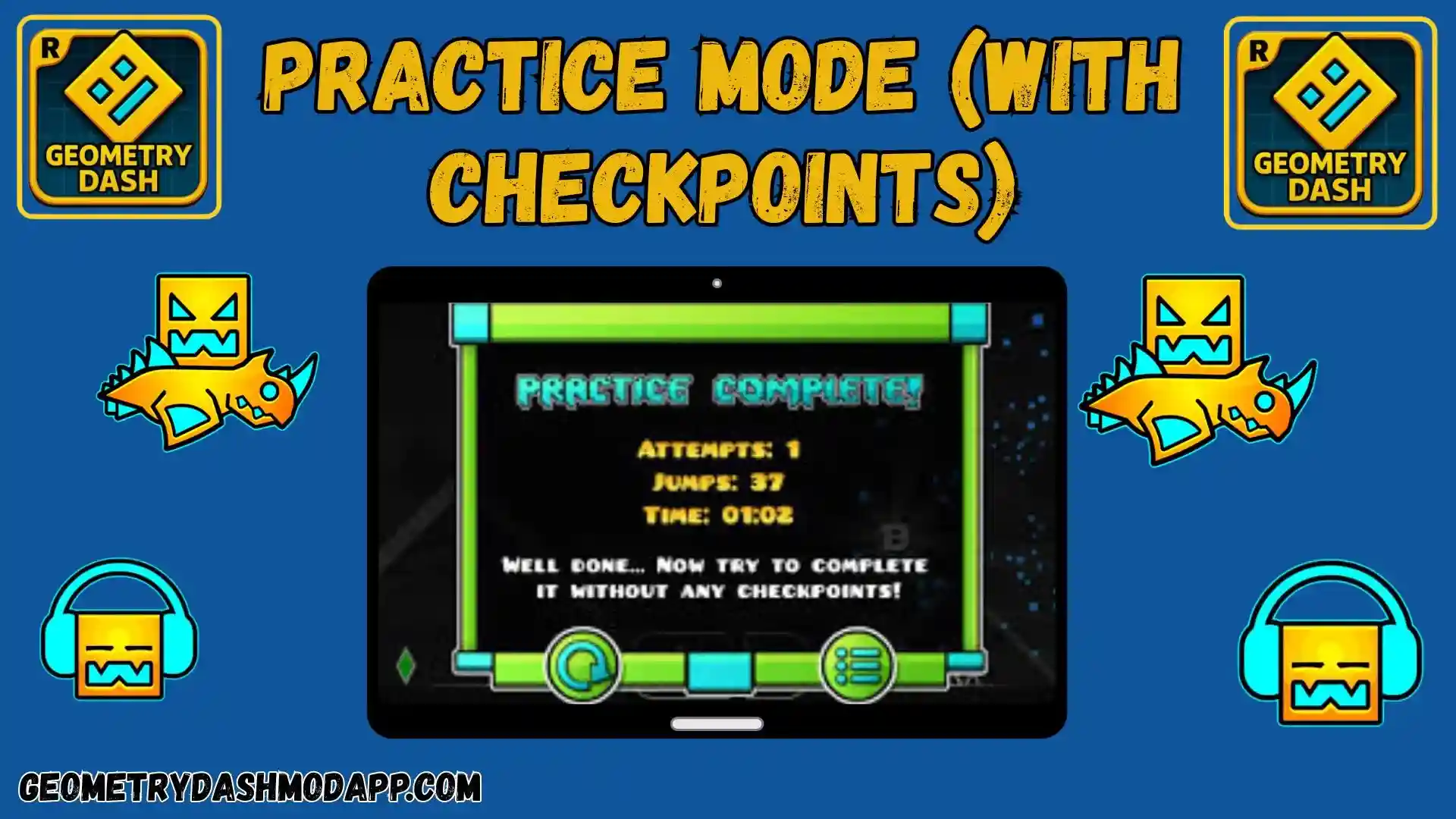
Practice Mode with Checkpoints
Practice Mode helps you repeat short sections using checkpoints. It is an official game feature, not proof of a mod benefit. Check how your installed release handles checkpoints and test the section again in Normal Mode.
Level Editor and Format Compatibility
Editor tools and level formats change between releases. Keep important work in the working app and check compatibility before opening it in an older build. Online uploads and accounts require separate checks.
Icons, Colors and Trails
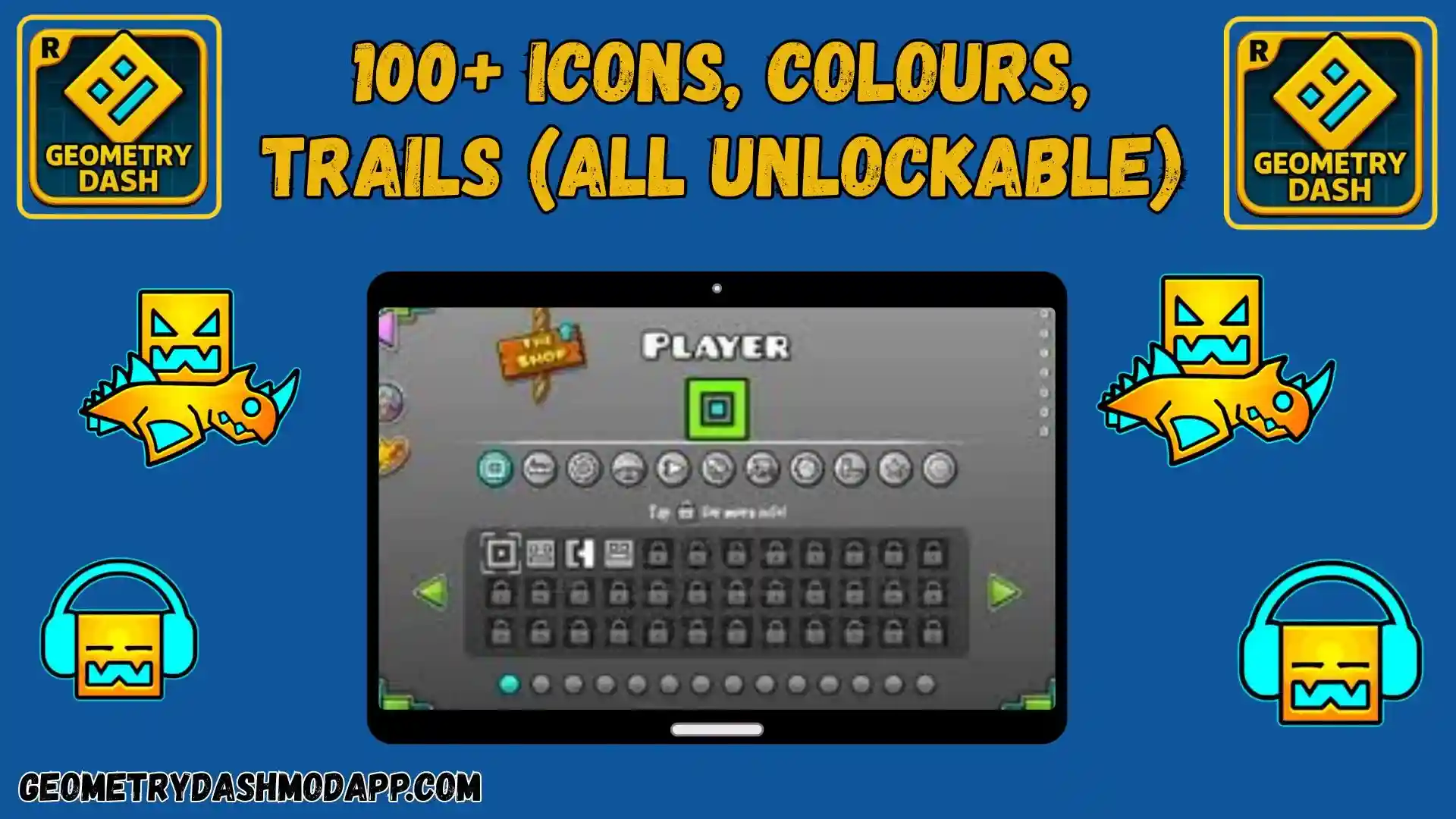
Customization depends on the release and edition. Read the requirement beside an item; a generic old-version page cannot establish a fixed cosmetic count or that a mod preserves every unlock.
Campaign Soundtracks
Official campaign stages have their own music. Available songs and community downloads depend on the release. Download required content while connected rather than assuming every music feature works offline.
Editor View and Camera Tools
Editor zoom and level-controlled camera behavior are separate features. Check the specific version’s tools; this guide does not establish a universal player-controlled zoom option in every old build.
Ad-Free Experience
The full paid version of Geometry Dash is completely ad-free, meaning no pop-ups, banners, or video interruptions during gameplay. This creates a clean, immersive experience where you can focus entirely on timing and precision without distractions.
Fully Offline Gameplay
Local stages can be played offline, but browsing community content, downloading songs and using cloud transfers require internet. An old release may have different or discontinued online compatibility.
Portals & Game Mechanics
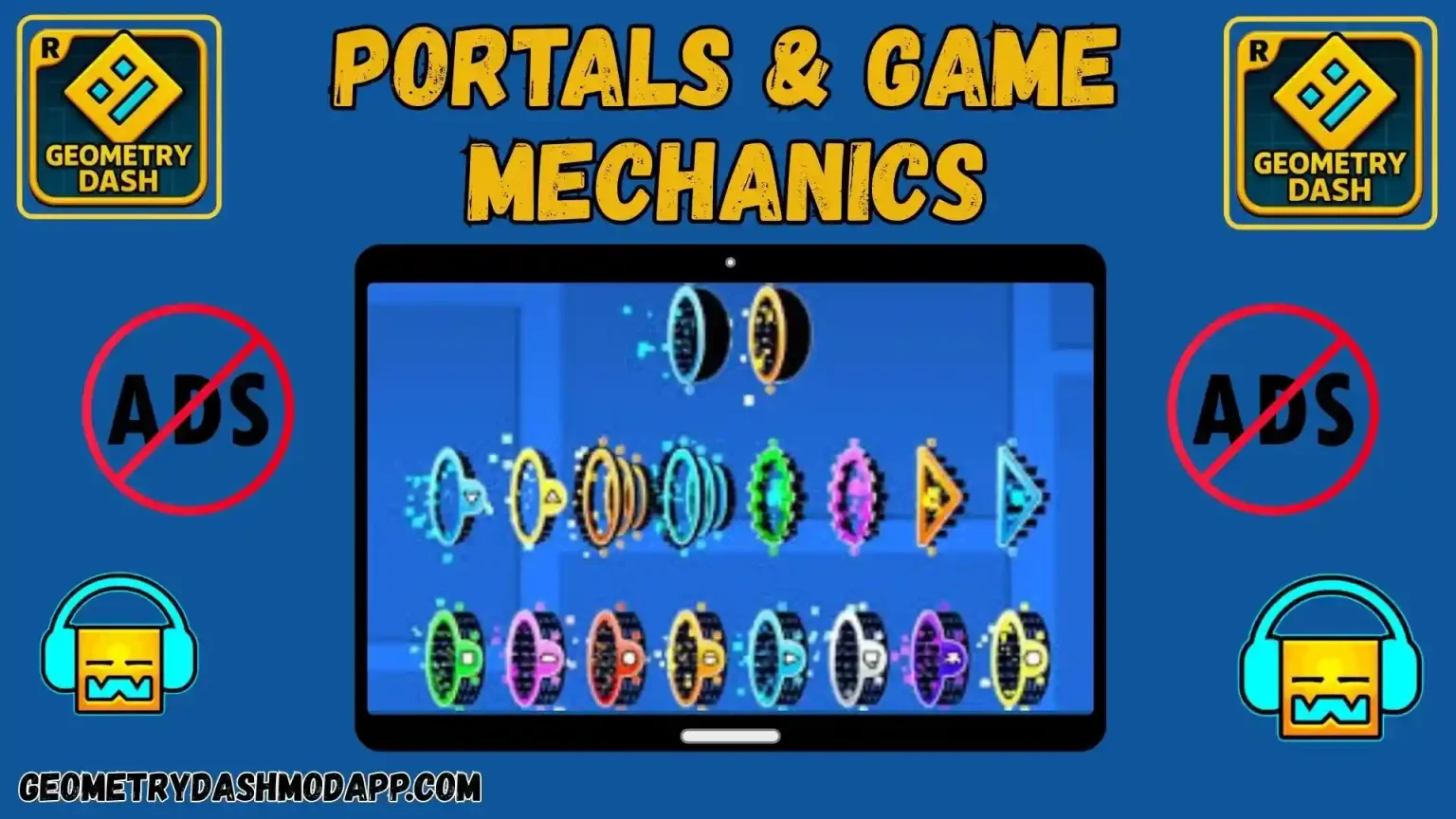
Character forms and portals depend on the stage and release. Wave, Robot and Spider arrived at different points in the game’s history; their presence in one old package does not establish them in every earlier build.
Achievements & Star Rewards
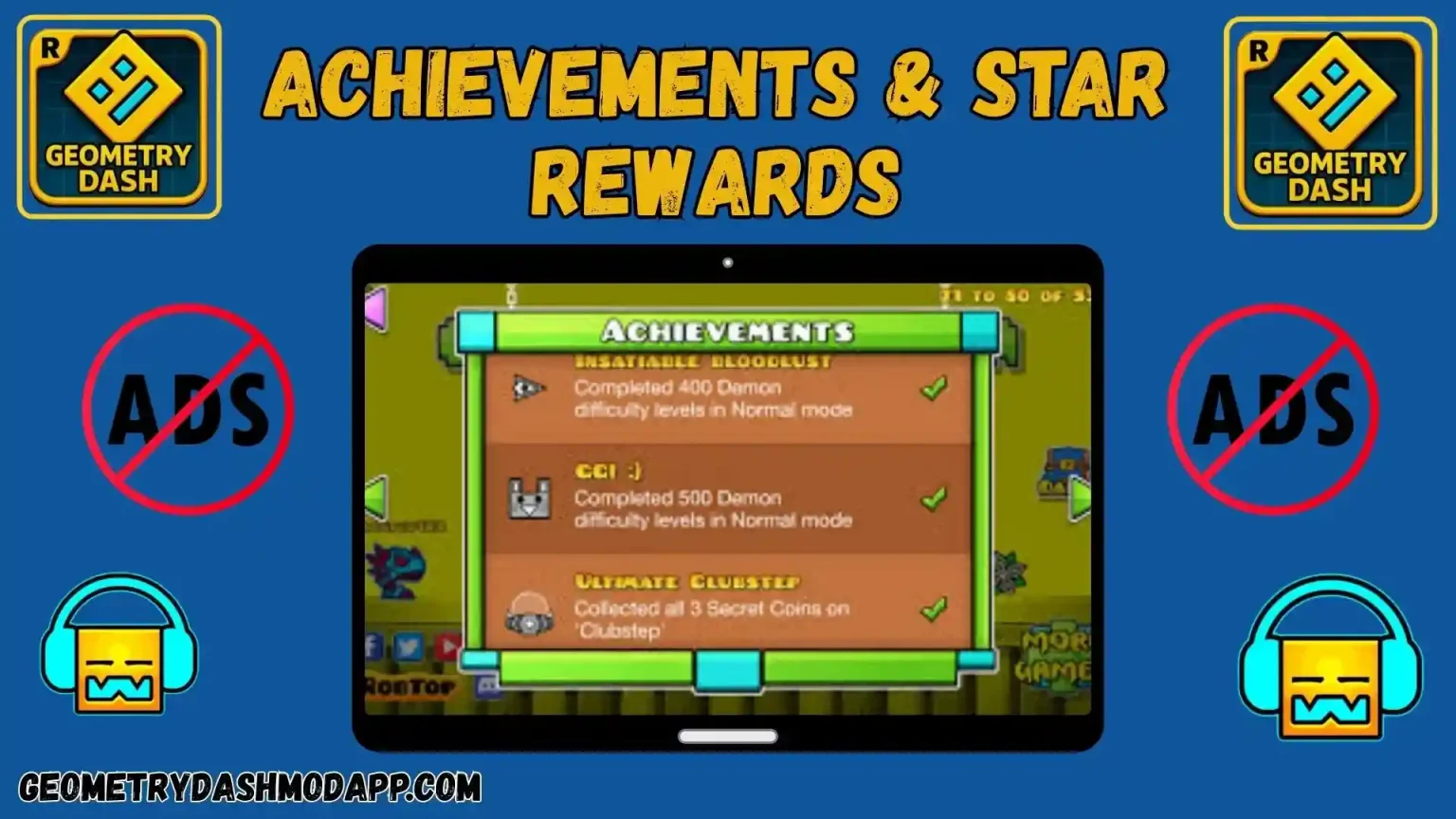
Completion, coins and achievements follow the release’s rules. A mod may alter them, and altered local results may not transfer to official account features or leaderboards.
Final Verdict
Try settings and level-specific troubleshooting before replacing a working game. An older package can remove newer features and introduce compatibility or signing problems; it is not a guaranteed fix for lag.
For the official game, use RobTop’s current listing. If you assess an old file, record its publisher, version, signature and hash and keep a confirmed backup. Read the package-checking guide before changing installations.
Frequently Asked Questions
Local stages and Practice Mode can work offline. Community browsing, missing-song downloads and cloud transfers need a connection and compatible services.